Fewer shared surfaces
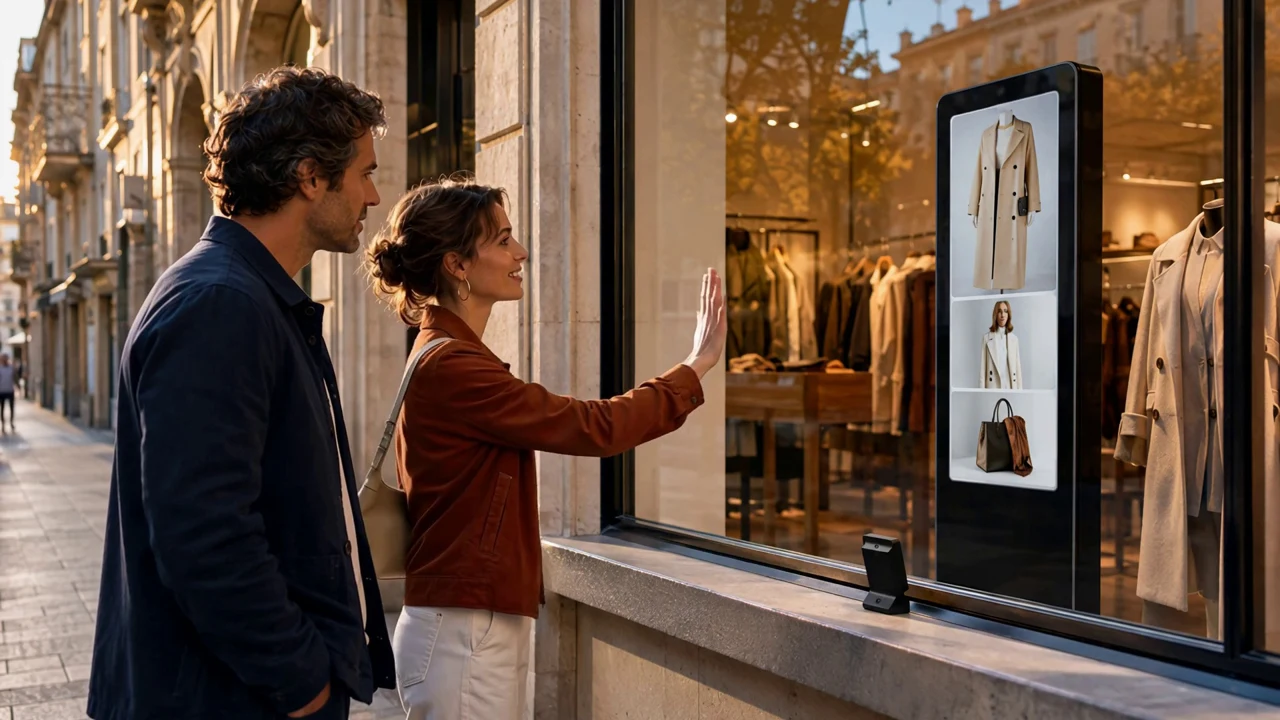
Visitors browse without touching the display, reducing repeated contact and fingerprints on a shared surface.

Novatool Sàrl product
SwipeDisplayNovaTool turns a display into an interactive experience. Visitors explore images, products and videos with a simple hand gesture, without touching the screen.
Why SwipeDisplayNovaTool
Visitors browse without touching the display, reducing repeated contact and fingerprints on a shared surface.
A technician, operator or, in a scenario requiring validation, a physician can browse information without handling the display.
Passers-by can discover more products from outside, including beyond store opening hours.
One display can present a directory, services and a route adapted to each request.
Images, product sheets and videos share one display and make better use of the available space.
Libraries, products and media are organized in the back office and distributed to selected screens.
Touchless interaction reduces contact with the screen but does not replace cleaning and hygiene procedures.
Three settings
Reception and wayfinding
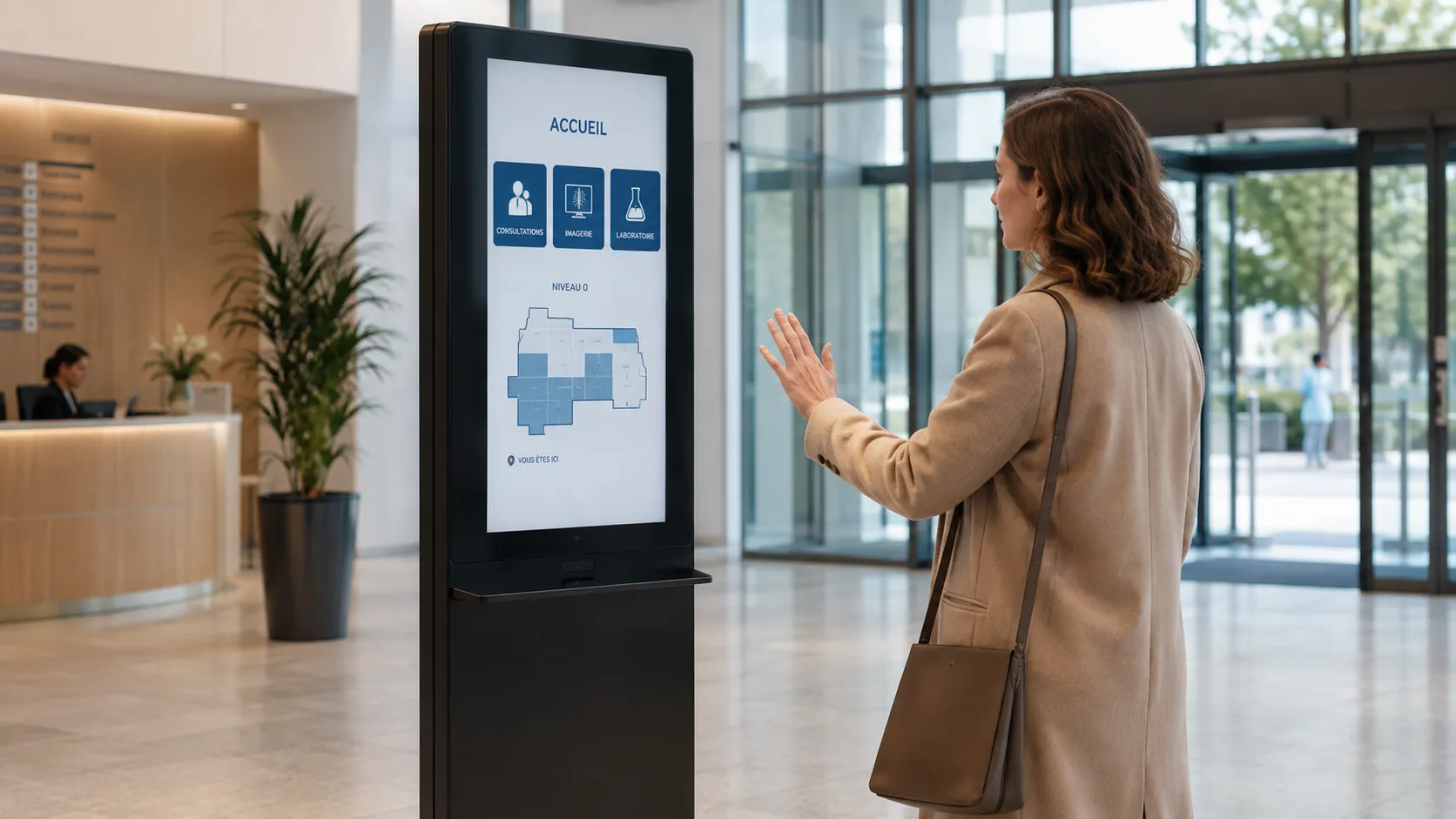
In a lobby, public facility or company building, visitors can browse a directory, services or a map through an intuitive hand movement.
Retail and storefronts
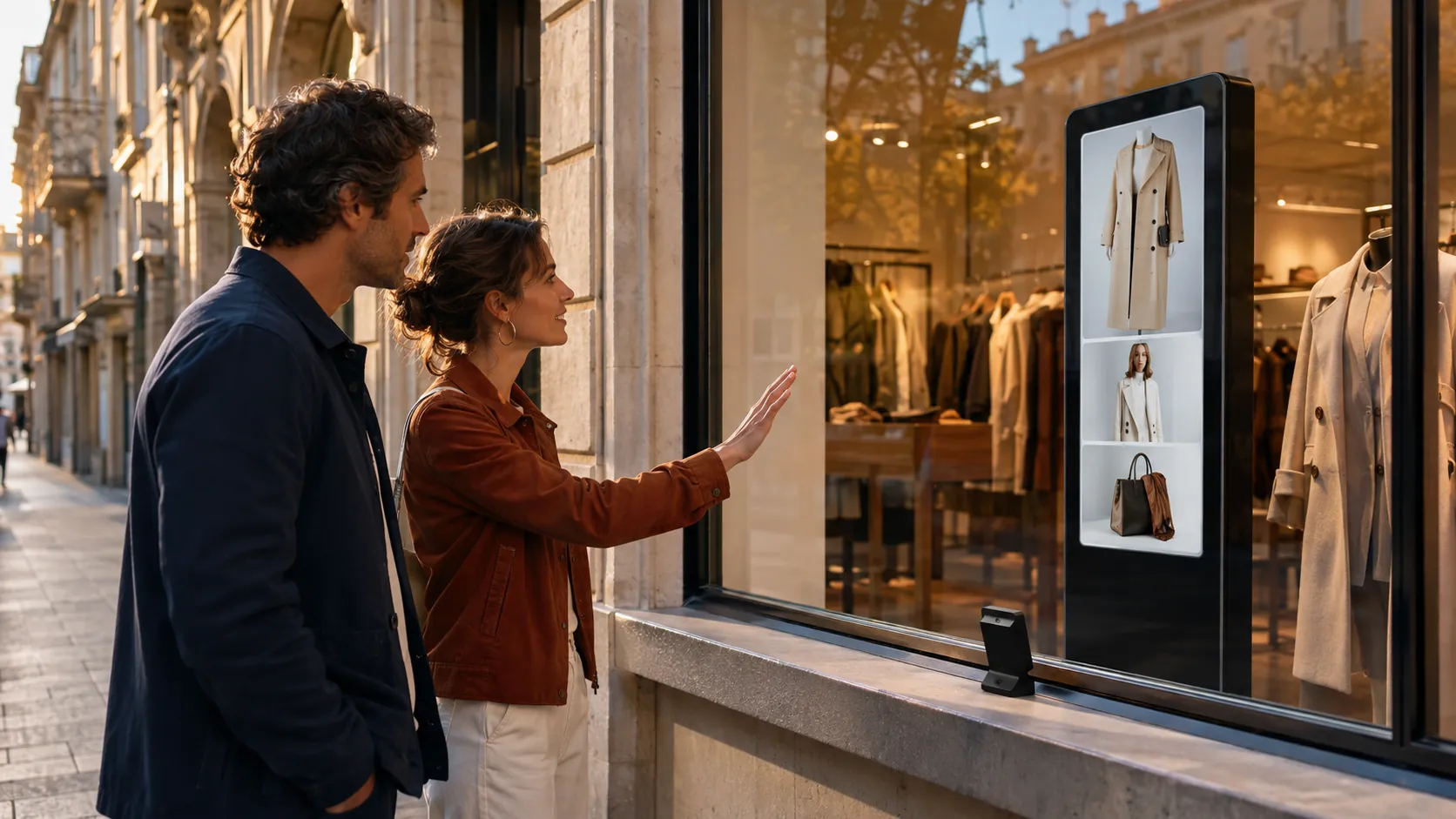
A storefront can present multiple products on one screen and remain engaging outside business hours.
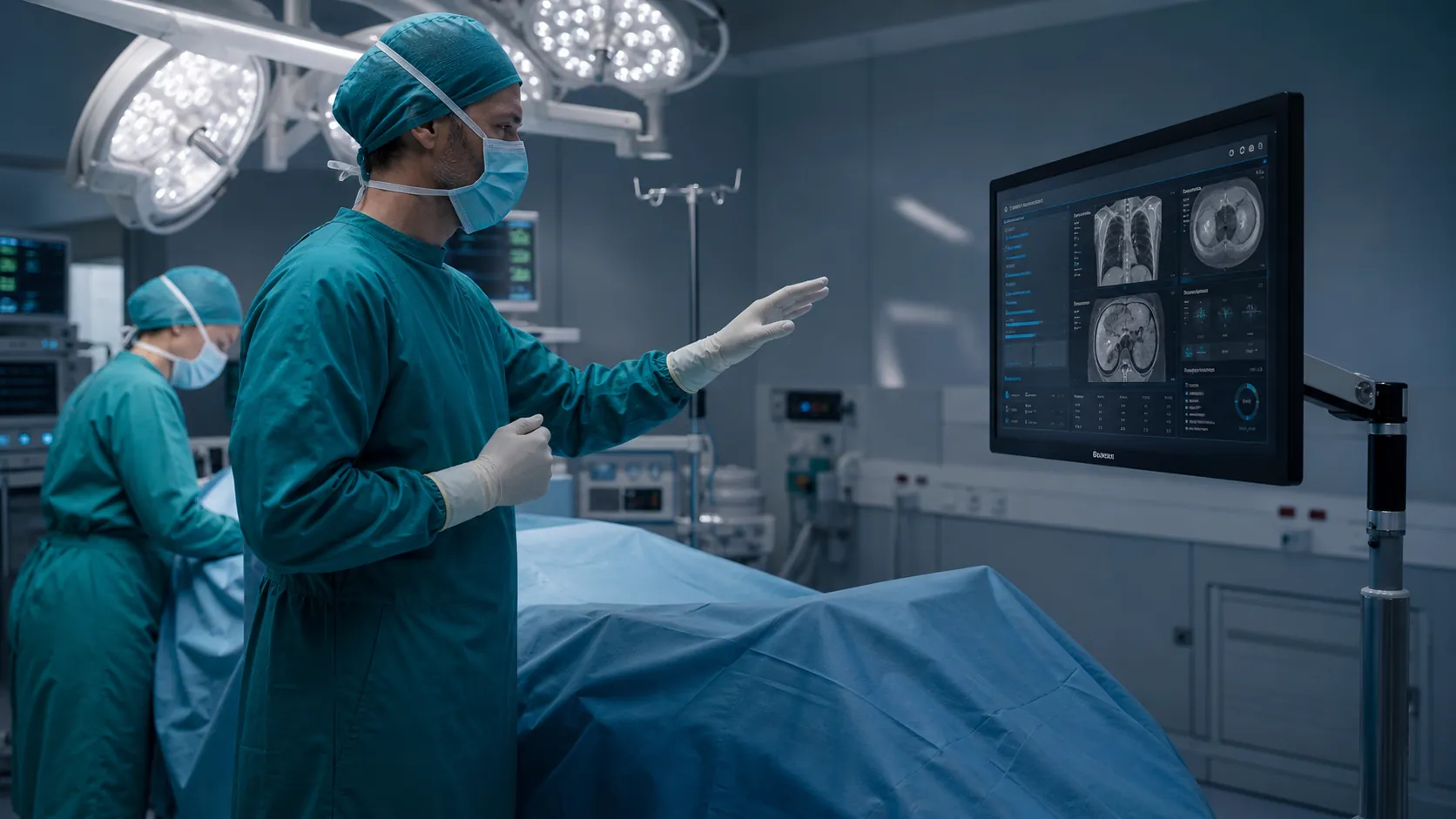
Specialized environments
The medical scene illustrates a potential specialist workflow.
Concept demonstration: any medical use must be validated in its real environment.How it works
The sensor tracks the hand.
The movement becomes a command.
The player shows new content.
The back office organizes media.
Demo
Tell us about your venue, audience and content.
Request a demo